
Move a whole Joomla site, and know it works.
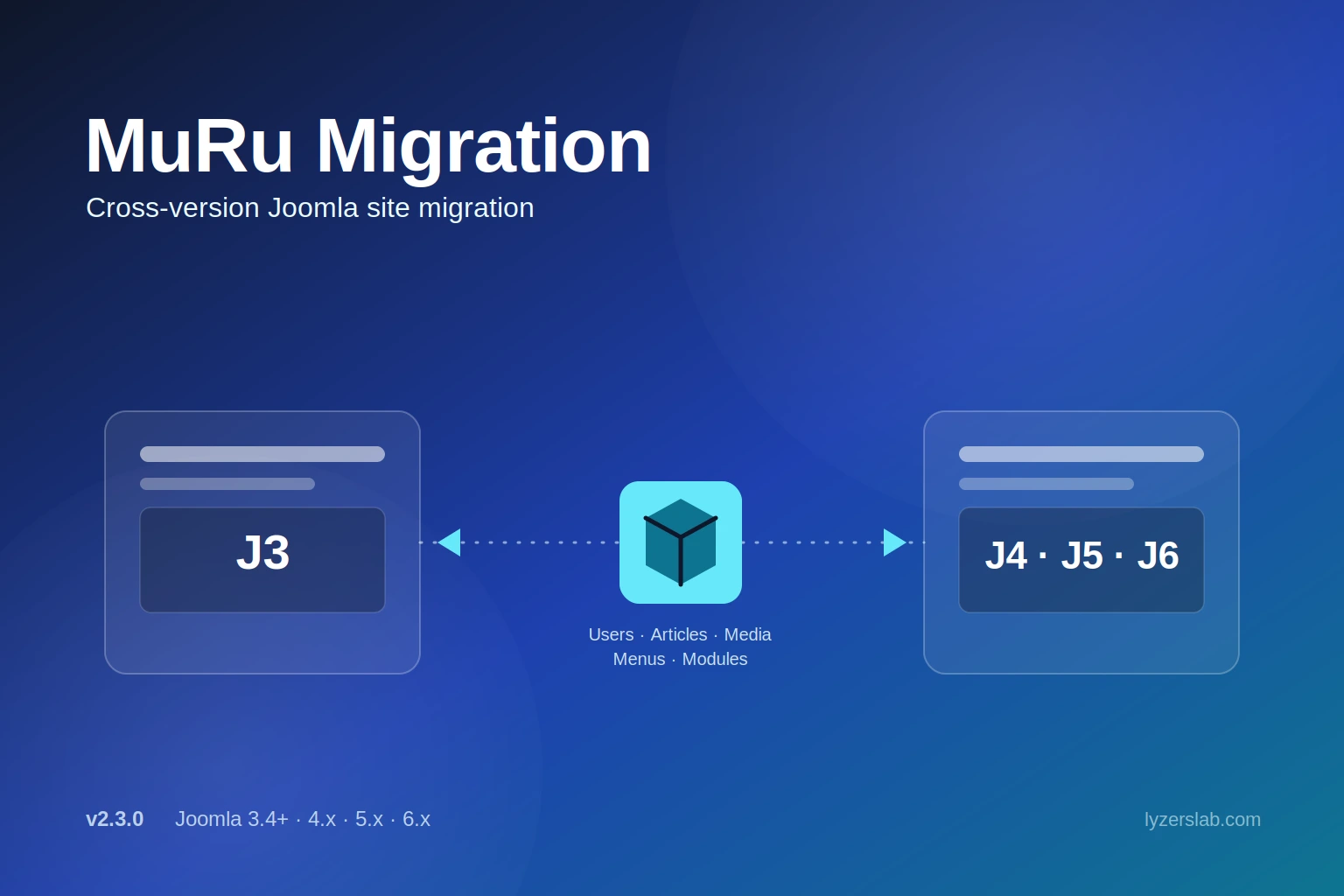
Export users, articles, images, menus and modules from one Joomla site and import them into another, across Joomla 3, 4, 5 and 6. Preview every import first, then run the built-in Health Check and live URL check to catch 404s before your visitors do.
- One ZIP for the whole site
- Dry run on every import
- Fixes the Joomla 3 to 4+ 404 problem
On this page
What it does for you
Full Migration in one ZIP
Users and groups, articles with categories and images, menus and site modules in a single file, imported in the right order. Choose which sections to include.
Preview every import
A dry run shows what would be added, updated or skipped, and which references cannot be remapped, before anything is written.
IDs remapped for you
Menu links, module assignments, article and category references and authors follow their items to the new site, matched by recorded ID maps.
Health Check
Scans the migrated site for what causes 404, 403 and wrong-page problems, and offers safe one-click fixes. Nothing changes until you press Fix.
Live URL check
Requests your public articles and menu pages like a visitor and lists every page that does not answer 200.
Any version to any version
Both editions write the same export format, so a file from Joomla 3 imports into 4, 5 or 6, and the other way round.
Screenshots
Migrate in three steps
- 1
Install on both sites
Install the J3 edition on a Joomla 3 site or the J4/5/6 edition on Joomla 4, 5 or 6. Both are installed like any extension.
- 2
Export, preview, import
On the old site choose Full Migration and export. On the new site upload the ZIP and run a dry run, then the real import. Order and ID remapping are handled for you.
- 3
Check the result
Open Health Check to find and fix anything that would 404, then run the live URL check on the public pages.
The step-by-step runbook, import order and every option are in the documentation
Choose your edition
J4/5/6 edition
For Joomla 4.0+, 5 and 6 on PHP 8.1+. Includes the Health Check, live URL check, section selection and import report. Included with a Lyzerslab plan.
J3 edition
For Joomla 3.4 to 3.10 on PHP 5.6+. Exports in the same format and receives all the import and export fixes. Included with a Lyzerslab plan.
Everything it does
The highlights by job. The documentation covers each one in detail.
Migrate
Full Migration
One ZIP for users, groups, articles, categories, images, menus and modules, imported in dependency order.
Choose what to migrate
Tick the sections to include on export and again on import.
Per-type exports
Modules, menus, articles and users can also be exported and imported on their own under Advanced.
Article images
Images travel as real files in the ZIP: intro and full-article images, inline images and CSS backgrounds.
Verify
Health Check
Finds articles, categories, menus and modules that would answer 404 or 403, with examples and safe one-click fixes.
Live URL check
Opens your public pages like a visitor and lists every one that does not answer 200.
Import report
Keeps every warning, shows the source site and Joomla version, and downloads as a text file.
Dry run
A full preview of the import, section by section, with nothing written.
Safety
Nested sets rebuilt
Menu and category trees are rebuilt after every import, so existing content stays intact.
Safe overwrite
Overwrite matches through earlier imports and never touches your own backend menu, home page or administrator modules.
Cache cleared
Menu, content, category, module and system caches are cleared after every import so stale routes cannot keep answering 404.
Compatibility
Joomla 3 to 6, both ways
A column-filtering layer handles the schema differences between versions.
Passwords preserved
Password hashes travel with users, so people keep logging in with their existing passwords.
From Easy Import/Export
Existing
com_easyimportexportinstalls move to MuRu Migration's tables automatically on update.
Settings, examples and walkthroughs for every feature are in the documentation
What's new
Version 2.4.0 · 16 October 2026
- Fixes 404s after a Joomla 3 import — Zero publish dates and site-specific menu component ids are now converted for the target site.
- Health Check tab — Finds and repairs what makes migrated content answer 404, 403 or show the wrong page.
- Live URL check — Lists every public page that does not answer 200, including menu items attached to the wrong component.
- Choose what to migrate and a lasting import report — Pick sections on export and import; the report keeps every warning.
- Access levels and authors travel with the export — Custom access levels are recreated and authors are matched instead of keeping the old site's user ids.
- Safer imports — Menu links to items that were not migrated are imported unpublished, administrator modules are no longer exported, and overwrite no longer matches by raw id.
Requirements
- Joomla 4, 5 or 6 (PHP 8.1+) for the J4/5/6 edition
- Joomla 3.4 to 3.10 (PHP 5.6+) for the J3 edition
- Administrator access on both sites
- GPL v3 or later
Frequently asked questions
Move the site, then prove it works
Dry run before, Health Check and live URL check after. Fewer surprises on launch day.